Dispatches
DREADMOOR Trainer: Steam Builds, Mods and Saves
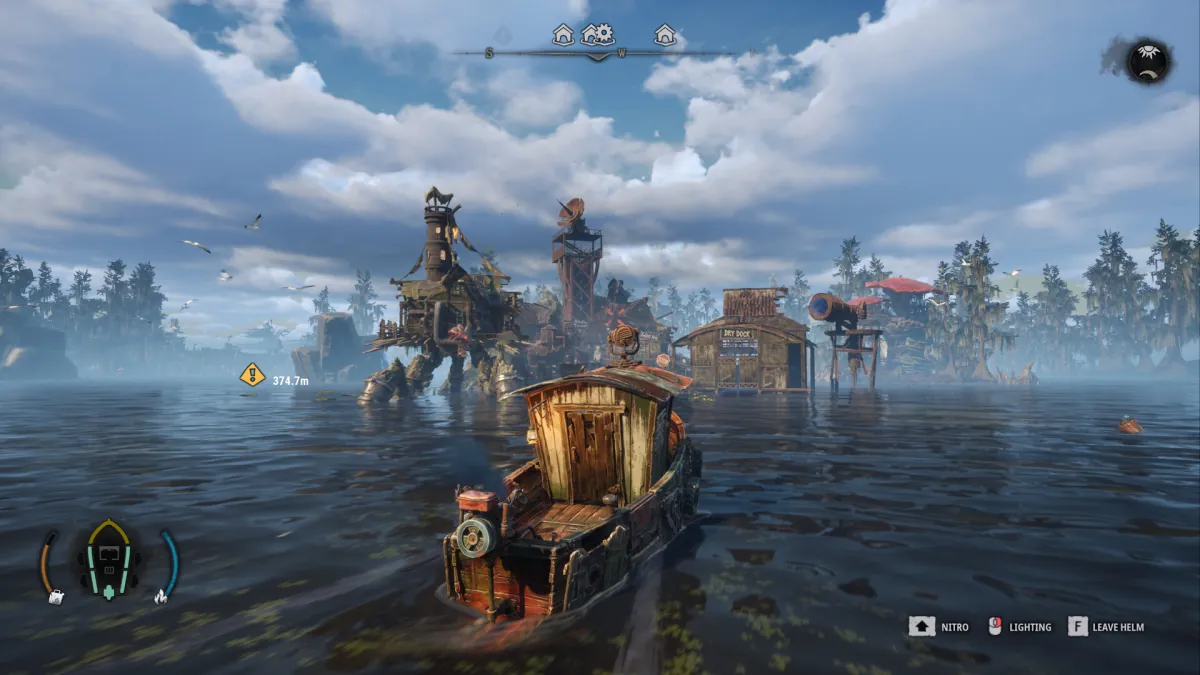
Third-party trainers exist for DREADMOOR on Steam, but the Wand/WeMod support topic still showed requires-update when checked on November 16, 2026. Its November 15 reply reports the trainer options failing to load, following a similar report on November 11. The game is single-player according to its developer FAQ, and those trainer options come from external providers. Before using one, compare the provider’s compatibility notice with your installed build and keep a copy of an unmodified save. Wand/WeMod support topic Developer FAQ
Which trainer listings exist for DREADMOOR?
The Wand/WeMod DREADMOOR page and its support topic list options for character health, inventory resources, boating, fishing and movement. The provider’s November 9 release announcement advertised 29 options for the Steam edition. Check the support topic as well as the product page, because the product page describes the options while the topic shows maintenance status and player reports. The release announcement establishes when the trainer was offered, and the live support status matters for subsequent game builds. Wand/WeMod listing Release and support notes
Trinity also lists a DREADMOOR trainer for Windows and the 64-bit Steam game. Its page labels the trainer version 1.0.0, gives separate descriptions for effects such as refilling a tank and keeping it full, and calls some item options best-effort and untested in play. Rhark’s Cheat Evolution listing is more specific about the game release it targets: Steam v0.4.36, dated November 9. Neither page establishes that its trainer works on the November 14 Steam build. Trinity’s product page Rhark’s Cheat Evolution listing
You may also find individual mods under the game on Nexus Mods. Infinite Fuel by RifzzzXD, version 1.2 on November 12, is a game-file mod whose author describes a fuel effect for the boat. It has its own files, updates and discussion, so its status must be checked on that listing even if a separate trainer offers a similarly named feature. Read the listed author, update date and file notes to understand which project a search result is pointing to. Infinite Fuel author listing on Nexus Mods
Does a trainer work after Early Access Update 6?
As of November 16, SteamDB’s public branch record showed build 26670657, published November 14. The publisher’s Steam announcement names that release Early Access Update #6 and describes changes to achievements, quests and boat systems. The number on that public branch identifies a Steam game build, while a number such as Trinity’s 1.0.0 identifies the trainer release. Check your installed version separately if you use a different branch or have an update pending. Official Early Access announcements Steam public branch build record
To find the installed Build ID, open DREADMOOR’s Properties in your Steam Library and select Updates. Compare the number shown there with the public branch record and any game build the provider names. If a listing gives only the trainer version or date, leave the game-build match unresolved and look at the provider’s support thread. This is especially useful when Steam has downloaded a patch since the last reported working session. Steam client Build ID instructions
In the Wand/WeMod topic, a November 11 player reported an initialization failure and a November 15 player reported seeing the same problem while the game itself kept running. The topic still had the requires-update label at the time of this check. Those are reports about Wand’s DREADMOOR trainer and do not establish compatibility for other products or prove the cause of a particular failure. If your trainer stops loading after a Steam update, check the named game build and look for a newer provider note before assuming that the old release still applies. Wand/WeMod maintenance thread
What the advertised effects change
Provider listings separate character health, boat damage and fuel into different options. For example, Trinity describes one action that tops up the player’s health once and another that keeps it full, with a similar distinction for fuel. If you are looking up cheats because you took damage, first check whether the problem is Malcolm’s health bar, a damaged hull or an empty tank. In the base game those lead to different steps in the healing guide and refuelling guide. Trinity’s option descriptions
Listings also advertise changes to money, research pages, crafting supplies, catch speed and movement. An action that adds a resource changes the inventory value at that moment, and Trinity specifically says added research pages remain in the save. Several material, consumable and weapon options on Trinity’s page are marked untested in play, and it cautions that the item has to be loaded by the game. A faster catch or added item does not establish that the game journal will register the required quest step. Trinity’s resource options and limits
The Steam store and developer FAQ describe the game’s single-player mode, with no built-in cheat menu or officially documented list of player-entered codes in those sources. Provider pages can use the word cheats for toggles in their own app. If a search result claims to be a current release, follow it back to an identifiable author or provider and check the game, store and update notes there. A third-party listing only establishes what that source says it offers. Steam store page Developer FAQ
Back up a save and return to unmodified play
Open Save Game in DREADMOOR while you have a clean checkpoint and confirm the save before leaving the game. SteamDB’s listing of the game’s Steam Cloud configuration points Windows users to %LOCALAPPDATA%\Dreadmoor\Saved\SaveGames for .sav files. Check that folder for your actual save and copy the save folder to a separate location before making changes. Steam Cloud syncs files between sessions and devices, so keep the extra copy independently of the active game folder. DREADMOOR Steam Cloud configuration Valve’s Steam Cloud help
To go back, close the game and the external tool, relaunch the game by itself and use Load Game to select a save from before you changed anything. If the clean save is only in your external backup, close the game first and keep a copy of the current files before restoring the older ones to the matching save directory. Inspect the dates and devices if Steam offers a local-versus-cloud choice, then check the journal and inventory after loading. The developer FAQ says death returns you to your most recent save, so a death by itself will not take you back past a newer save. Developer FAQ on death and reloads Valve on Cloud conflicts
If DREADMOOR still has missing assets or crashes on its own, Steam’s Properties → Installed Files → Verify integrity of game files can check the installed game files. For a file-based mod, also follow its author’s removal instructions for files the mod added, if available. Checking game files and restoring a previous save address two separate things, so load the backed-up save as well if the saved state is what changed. Valve’s file verification instructions
If your goal is to finish a quest
If the trainer search began with a quest that would not advance, check the objective and its interaction at the actual location first. The current DREADMOOR walkthrough shows how the fishing, crafting and story steps connect, including where to turn in an item or repair equipment. Steam’s game updates also document fixes for specific problems, such as the Essence fish markers in Update 6. When progress is stuck, those notes and a clean save can help you distinguish a quest issue from a change introduced by an external tool. Official Early Access patch notes